QR Code for Hotels
Create free QR codes for WiFi access per room, room service menus, contactless check-in, and guest feedback, enhance the guest experience instantly.
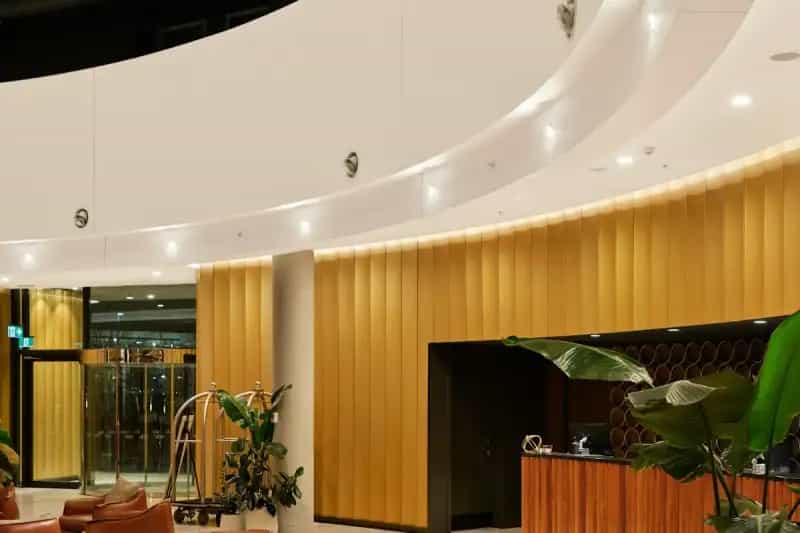
How Hotels Use QR Codes
Elevate guest experience and streamline hotel operations
Room WiFi QR
Generate unique WiFi QR codes for each room or floor. Guests scan and connect in seconds, no reception calls needed.
Room Service Menu QR
Replace paper room service menus with a QR code linking to a digital menu. Update items and prices without reprinting.
Contactless Check-in QR
Send a QR code via email before arrival. Guests scan at the lobby kiosk for instant check-in, reduce front desk queues.
Guest Feedback QR
Place QR codes in rooms linking to a feedback form. Catch issues early and improve guest satisfaction scores.
Facilities & Info QR
QR codes in the lobby, gym, pool, or spa linking to schedules, rules, and booking pages, reduce staff questions.
Get Started in 3 Easy Steps
Create your hotel QR code in under 30 seconds
Choose QR Type
Select WiFi QR for network access, URL QR for service menus, or vCard QR for concierge contacts.
Enter Details
Add WiFi credentials, menu URLs, or check-in links. Customize colors to match your hotel branding.
Print & Place
Download as PNG or SVG and place in rooms, lobby, reception desk, or send via pre-arrival email.
Why Hotels Love QR Codes
Modern hospitality starts with smart technology
Reduce Front Desk Load
WiFi QR codes and digital menus mean fewer calls and questions, staff can focus on high-value guest interactions.
Faster Check-in
Contactless check-in via QR code reduces lobby wait times by up to 70%. Guests love the convenience.
Real-time Updates
Change room service menus, event schedules, or facility hours instantly, no reprinting needed.
Better Guest Reviews
Easy feedback QR codes help you catch and resolve issues before checkout, leading to better online ratings.
Hotel QR Code FAQ
Common questions about QR codes for hotels
Yes! Generate a separate WiFi QR code for each room or floor with unique credentials. Our tool is free with unlimited QR codes.
Send the QR code via email before arrival. Guests scan it at a lobby kiosk or show it at the front desk for express check-in.
Yes, use a URL QR code pointing to your online menu. Update the webpage anytime; the QR code stays the same.
For room cards and tent cards: at least 4×4 cm. For lobby displays: 15×15 cm or larger. Always test scanning before mass printing.
100% free, no sign-up, no watermark, no limits. Download as PNG or SVG in print-ready quality.
The phone needs internet to open URLs, but WiFi QR codes work offline, the phone reads the WiFi credentials and connects directly.
Tools for Your Hotel
Create QR codes tailored for hospitality