QR Code for Restaurants
Create free QR codes for digital menus, WiFi sharing, Google Maps reviews, and table ordering, all in seconds, no sign-up needed.
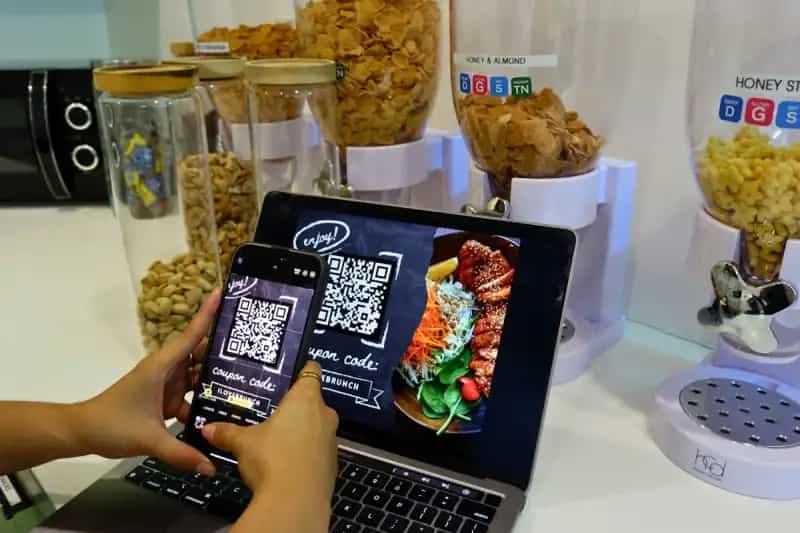
How Restaurants Use QR Codes
Boost customer experience and streamline operations with QR codes
Digital Menu QR
Replace printed menus with a QR code that links to your online menu. Update prices and dishes instantly without reprinting.
WiFi Access QR
Let guests connect to WiFi instantly by scanning a QR code, no more asking for passwords or spelling out network names.
Google Maps Review QR
Place a QR code on receipts or table tents that takes diners directly to your Google review page, boosting your ratings.
Feedback & Survey QR
Collect real-time customer feedback via a QR code linking to a short survey form, improve service quality instantly.
Get Started in 3 Easy Steps
Create your restaurant QR code in under 30 seconds
Choose QR Type
Select the QR code type that fits your need. URL for menus, WiFi for network access, or vCard for contact info.
Enter Your Info
Add your menu URL, WiFi credentials, or Google Maps link. Customize colors to match your restaurant branding.
Download & Display
Download as PNG or SVG and print on table tents, menus, windows, or receipts. Free, no watermark.
Why Restaurants Love QR Codes
Join thousands of restaurants already using QR codes
Cut Printing Costs
Update your menu digitally anytime, no more reprinting costs when prices or dishes change.
Faster Table Turnover
Guests access the menu instantly. No waiting for a server to bring one, order faster, turn tables quicker.
Boost Online Reviews
QR codes on receipts make it effortless for happy diners to leave a 5-star Google review.
Contactless & Hygienic
Digital menus mean fewer touchpoints. 85% of diners now prefer contactless ordering options.
Restaurant QR Code FAQ
Common questions about QR codes for restaurants
Yes! If your QR code links to an online menu (like a URL QR), you can update the menu content at any time, the QR code stays the same.
Use a URL QR code linking to your online menu page. This gives you full flexibility to update dishes and prices without changing the QR code.
Use our WiFi QR generator, enter your network name, password, and encryption type. Guests scan and connect instantly.
Yes, GetFreeQR lets you customize colors and add your logo. This helps maintain brand consistency across your restaurant.
Absolutely free, no sign-up, no watermark, no limits. Download as PNG or SVG for print-ready quality.
For table tents, at least 3×3 cm. For posters and windows, 10×10 cm or larger. Always test by scanning before printing in bulk.
Yes, modern smartphones (iPhone and Android) have built-in QR scanners in the camera app. No extra app needed.
If you link to a URL with analytics (like Google Analytics), you can track scan counts, times, and device types.
Tools for Your Restaurant
Create the perfect QR codes for your business